Updated November 2026
Your WiFi works fine in the house, but the shed, workshop, granny flat, battery system, front gate or bore pump might as well be on the moon. A bigger router or a WiFi extender rarely fixes this. Household WiFi spreads its signal in every direction, so it fades fast once it leaves the house, especially through walls and across a yard.
The reliable fix is a wireless bridge. This guide explains what one is, how it's fitted, and which one suits your job.
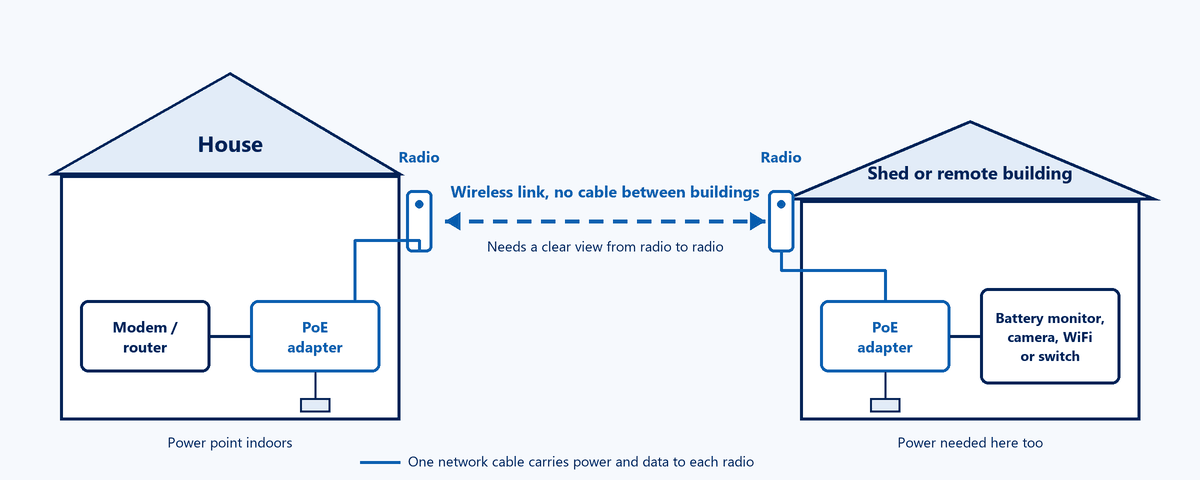
A wireless bridge is a pair of small outdoor radios, one at each end, aimed at each other. Together they behave like an invisible network cable between the two buildings. Each radio focuses its signal into a narrow beam towards the other, rather than spraying it everywhere. That's why a bridge can reach hundreds of metres, or even kilometres, where ordinary WiFi gives up after a few walls.
Whatever you plug in at the far end acts as if it were plugged in next to your router.
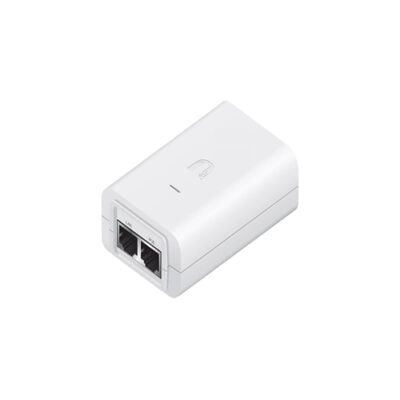
Fitting one is simpler than most people expect. At each end you have:
At the house end, the adapter connects to your modem or router. At the far end, it connects to whatever you want online: a battery or solar monitoring unit, a camera, a computer, or a WiFi access point or small switch if you want to connect several things.
There is no cable between the two buildings. That's the part the radios replace. You do need power at both ends.
All of these are Ubiquiti products we sell and support. Match the job to the row.
| Your situation | Our pick | Why |
|---|---|---|
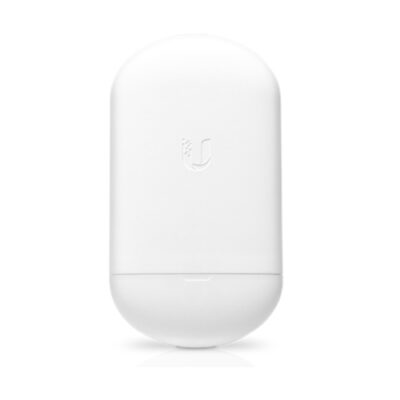
| A simple link for a shed, battery, gate or pump, and you don't use UniFi | NanoStation 5AC Loco (buy two) plus two 24V PoE adapters | Inexpensive, proven and easy to set up with Ubiquiti's free UISP mobile app. Plenty of speed for internet, monitoring and a camera or two. |
| Your home network is UniFi and you want a fast, near-gigabit link up to about 500 m | UniFi Building Bridge (UBB) (sold singly, so you need two, which pair during setup) | Uses 60 GHz for gigabit-class speed, with a 5 GHz backup radio that keeps you connected if heavy rain affects the main link. Shows up right inside your UniFi app. |
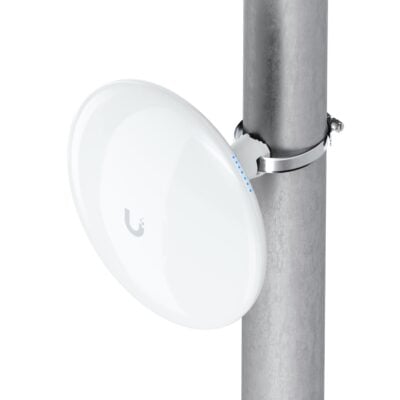
| Your home network is UniFi and the distance is longer, or you want to connect to an existing UniFi access point | UniFi Device Bridge Pro | A 5 GHz bridge rated for links of 5 km and beyond. Pair two of them, or let one connect to a nearby UniFi WiFi access point. It also has a second network port at the far end. |
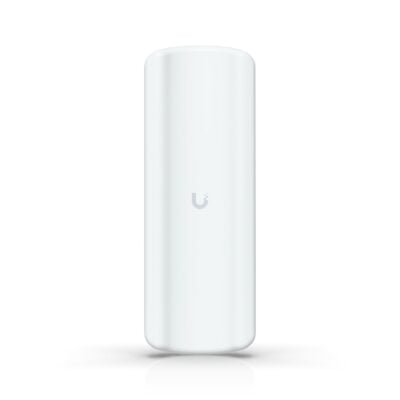
| Several outbuildings to connect from one central point | UniFi Device Bridge Pro Sector with a Device Bridge Pro at each building | One central unit links to many buildings at once (called point-to-multipoint). |
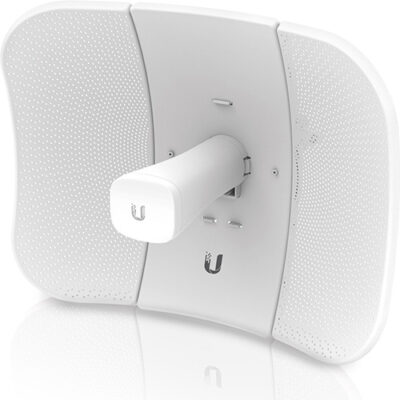
| A rural link of several kilometres | LiteBeam 5AC Gen2 or ask us | A tighter, longer-reaching beam for big distances. Long links are worth a quick chat first. |
A note on speed: the numbers on the box are what the radio can do in perfect conditions. Real-world throughput is lower, often well under half the headline figure on the budget radios. Even so, a NanoStation 5AC Loco link is far more than a battery monitor, a camera or everyday internet needs.
The bridge gives you one network connection at the far end. From there:
Access points are powered through their network cable too. The adapter that powers the NanoStation won't run them, so add a suitable PoE injector or a small PoE switch at the far end. We'll make sure you have the right one.
A buried cable is the gold standard for reliability. There are catches, though. Standard network cable is limited to 100 metres in total, including the short leads at each end. Trenching is hard work and expensive, and in Australia cabling that connects to your internet service must legally be installed by an ACMA-registered cabler, with underground runs needing a cabler qualified for that work. For longer runs, fibre is the answer, but it costs more again. For most homes and farms, a wireless bridge is the quicker, cheaper and perfectly reliable choice.
Yes. Each radio is powered through its network cable from a PoE adapter, and that adapter plugs into a power point. If the far end only has DC power from a solar or battery system, let us know and we'll suggest a way to power it.
Not well. These radios want a clear line of sight. A few thin branches might be tolerated over a short distance, but dense trees or a building in the way will cause dropouts. Mounting higher is usually the fix.
The 5 GHz radios (NanoStation, Device Bridge Pro) shrug off normal weather. The 60 GHz Building Bridge can lose some performance in very heavy rain, which is why it has a 5 GHz backup radio that takes over automatically.
Yes, once it's set up properly. The link between the two radios is encrypted, just like your home WiFi. Set a strong wireless key during setup and change the default device password.
Not for the NanoStation 5AC Loco, which is set up with Ubiquiti's free UISP app. The UniFi bridges are designed to be managed in your UniFi Network app with a UniFi console or gateway. The Building Bridge and Device Bridge Pro can also be paired on their own with a button press, but you lose the management and monitoring. The Sector needs UniFi.
For a typical house-to-shed job of 20 to a few hundred metres, every option above is comfortable. The Building Bridge tops out at 500 m. The NanoStation and Device Bridge Pro go well beyond that with a clear view. For anything over a kilometre or two, ask us first.
Tell us how far apart the two spots are, what's in between, whether there's power at the far end, and what you want to connect there. A Google Maps satellite screenshot with both points marked is perfect. We'll recommend the right gear, free of charge. Ask us for a recommendation or contact us.